 TM
Free
$0/month
Everything you need to learn the tool and model for fun.
- Core sketch & solid modeling tools
- Up to 10 editable projects
- STL export
- Commercial use allowed
Create precise 3D designs with powerful, intuitive tools, without the complexity or high cost of traditional CAD software. Free forever with commercial use.
Whatever you're making, CoreShape is built to get you there, with plans starting 100% free.
Design your part, export it as an STL file, and send it to your 3D printer.
Get started quickly with simple tools and an easy-to-understand design process. No complicated setup required.
Test ideas quickly and return to any step to make changes without starting over. Parametric modeling made easy.
Design functional parts to exact dimensions: precisely sized holes, cutouts, and clearances that fit the real world. Create 2D drawings of any part, dimensioned and ready to share.
No ribbon-hunting, no file formats to fight with. Just model.
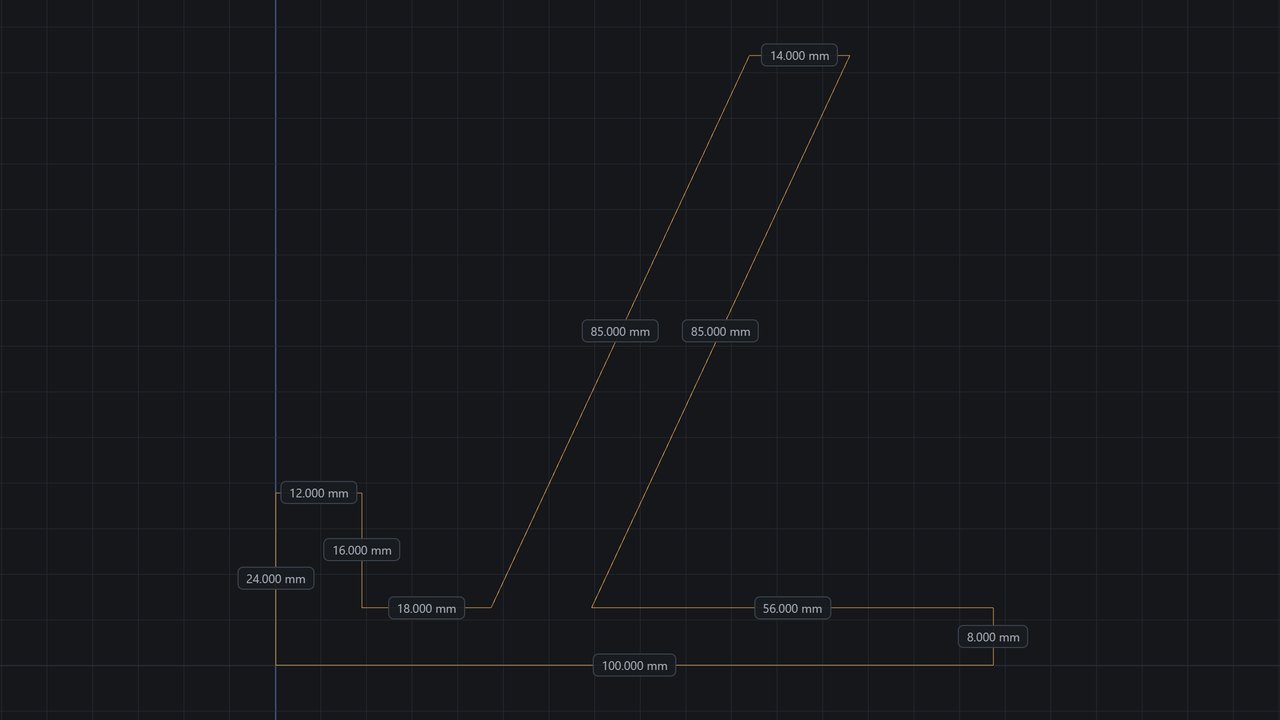
Draw lines, rectangles, circles, and arcs on any face or plane. Snapping and constraints keep everything exact as you go.
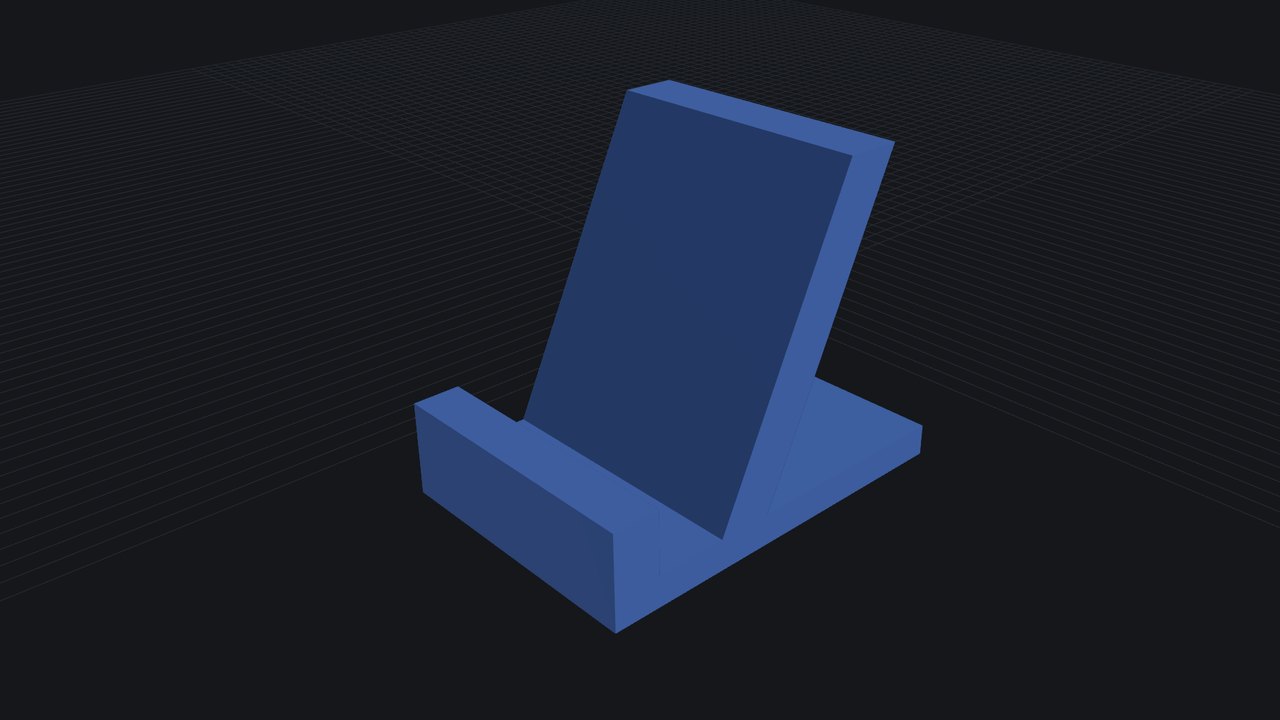
Pull a sketch into a solid, cut a hole through it, round an edge, or shell it out, all backed by real constructive solid geometry, not approximations.
Save an STL, OBJ, STEP, 3MF or AMF file straight from the browser, ready for a slicer, a renderer, or another CAD tool.
Draw a flat shape, then pull it up into a solid. That's the whole idea, and most people get it in a few minutes. Nothing to install, nothing to memorize.
Professional CAD for a fraction of the price. CoreShape runs on any device.
CoreShape figures are our own list prices. The comparison row is a general range for professional desktop CAD licences, converted to a monthly equivalent. Actual pricing varies widely by vendor, tier and region, and many are sold only as annual contracts. Bars are scaled to $50/month; licences above that extend past the chart.
Still stuck? The documentation covers every tool in detail.
No. CoreShape runs entirely in your browser. Open the app and start modeling, on Windows, macOS, or Linux.
Yes. The Free plan includes the core sketch and solid modeling toolset (sketching, Extrude, Revolve, Fillet, Chamfer and the rest) plus STL export and commercial use, with up to 10 projects editable at once (save as many as you like; older ones become view-only rather than being deleted). Standard adds Sweep, Loft, Shell, the full set of construction planes, the remaining sketch tools, OBJ and STEP export, and unlimited editable projects. Pro builds on Standard with CoreShape AI, the Part Simulator, the 3D printability check, and 3MF and AMF export.
Every plan exports STL, the most common format for 3D printing. The Standard plan adds advanced formats: OBJ for rendering, and STEP, which keeps true curves and surfaces so another CAD program can carry on editing your model. Pro adds 3MF and AMF, newer printing formats that carry more information than an STL.
To the cloud, the moment you're signed in. Sign in on any device and your dashboard is right where you left it. You can also export a local copy any time (STL, OBJ, STEP, 3MF or AMF) whenever you want an offline file to keep, print, or hand off to another tool.
No. CoreShape is one of the easiest CAD software to learn. It's built around the same sketch-and-extrude workflow behind every parametric CAD tool, introduced one step at a time.
No install, no credit card, no setup. Open a tab and build something.
Launch CoreShape →Open Dashboard →Start free and upgrade when you need more.
Everything you need to learn the tool and model for fun.
7-day free trial, then $10/month
For makers who want the full toolset, without limits.
7-day free trial, then $20/month
For users looking for AI and advanced features.
Prices shown in USD. Standard and Pro start with a 7-day free trial that becomes a paid subscription unless you cancel before it ends. Cancel anytime.
Everything you need to go from first sketch to finished part.
Reference for every sketch tool, feature, and keyboard shortcut.
Fully remappable shortcuts, configurable right inside the app.
New to CAD? The whole workflow in seven steps, sketch to exported file.
See what's new. CoreShape ships improvements constantly.
Parametric CAD that runs in a browser tab.
CoreShape is a parametric, sketch-to-solid CAD editor that runs entirely in your browser. There is nothing to install, no plugin, and no licence server to check in with — you open a tab and start modeling.
Parametric means the model remembers how it was made. Every sketch, extrude, fillet and hole stays in a feature history you can go back and change, and the solid rebuilds around the edit. Change a sketch dimension from 40 mm to 60 mm and everything built on top of it follows, rather than leaving you to patch the result by hand.
At CoreShape, our mission is to revolutionize the CAD industry by making powerful design tools more accessible, affordable, and intuitive for everyone. We believe the future of computer-aided design should not be limited by expensive software, complex workflows, or unnecessary barriers to innovation.
Through cutting-edge, browser-based CAD technology and continuously evolving AI-powered tools, we aim to challenge traditional approaches to design and redefine how people create. By putting powerful technology within everyone's reach, we empower hobbyists, students, engineers, and creators to turn their ideas into reality and help shape the future of 3D design and manufacturing.
We are not just building CAD software. We are working to redefine what CAD can be.
CoreShape is developed and operated by CoreShape 3D CAD Solutions LLC. It is independent: not affiliated with, endorsed by, or sponsored by any other CAD software vendor, and not a front end for anyone else's product.
Questions, bug reports and feature requests all reach a person — get in touch. What has shipped recently is listed in the release notes.